Platform Admin
Who you are
You are the platform operator. You onboard consultancy firms, set their revenue models and subscription plans, monitor platform health, and keep the platform running. You work across all firms — but you cannot read a firm’s client-file content. Your job is the platform, not their casework.
What you can do
- Onboard, configure and offboard firms, and manage subscription plans.
- See platform-wide revenue — subscription income and the commission take on the value flowing through the platform.
- Monitor platform health — uptime, service status, payment-gateway status, incidents.
- View cross-firm operational indicators on the overview.
What you can’t do
- You cannot read firm case content — owners’ details, reports, messages. That stays inside each firm.
- You don’t change a firm’s internal configuration, such as services or branding. That is their Tenant Admin.
- You cannot see money on a case. Platform-wide revenue, yes. An individual firm’s case prices, no.
Getting in
Sign in at /login. Your acting role — Platform Administrator
— shows in the top-left. The Platform console has its own sub-navigation:
Overview, Tenants, Revenue, Health.
Your screens, step by step
1. Overview
Platform-wide indicators and a service-health summary at a glance.
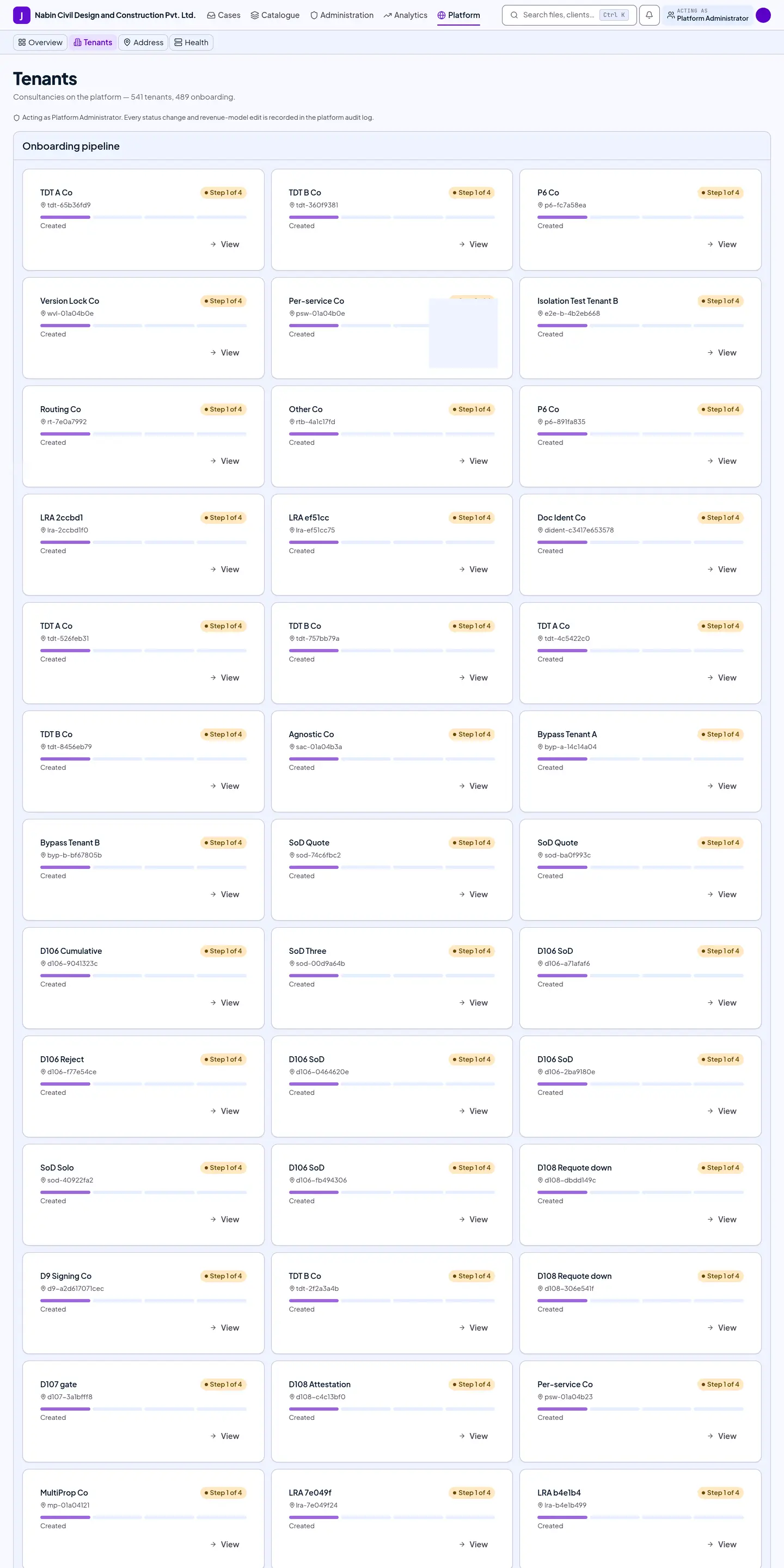
2. Tenants
The firm directory — each firm’s plan, status (live, trial, paused), staff count, file volume and value processed — plus the onboarding pipeline.
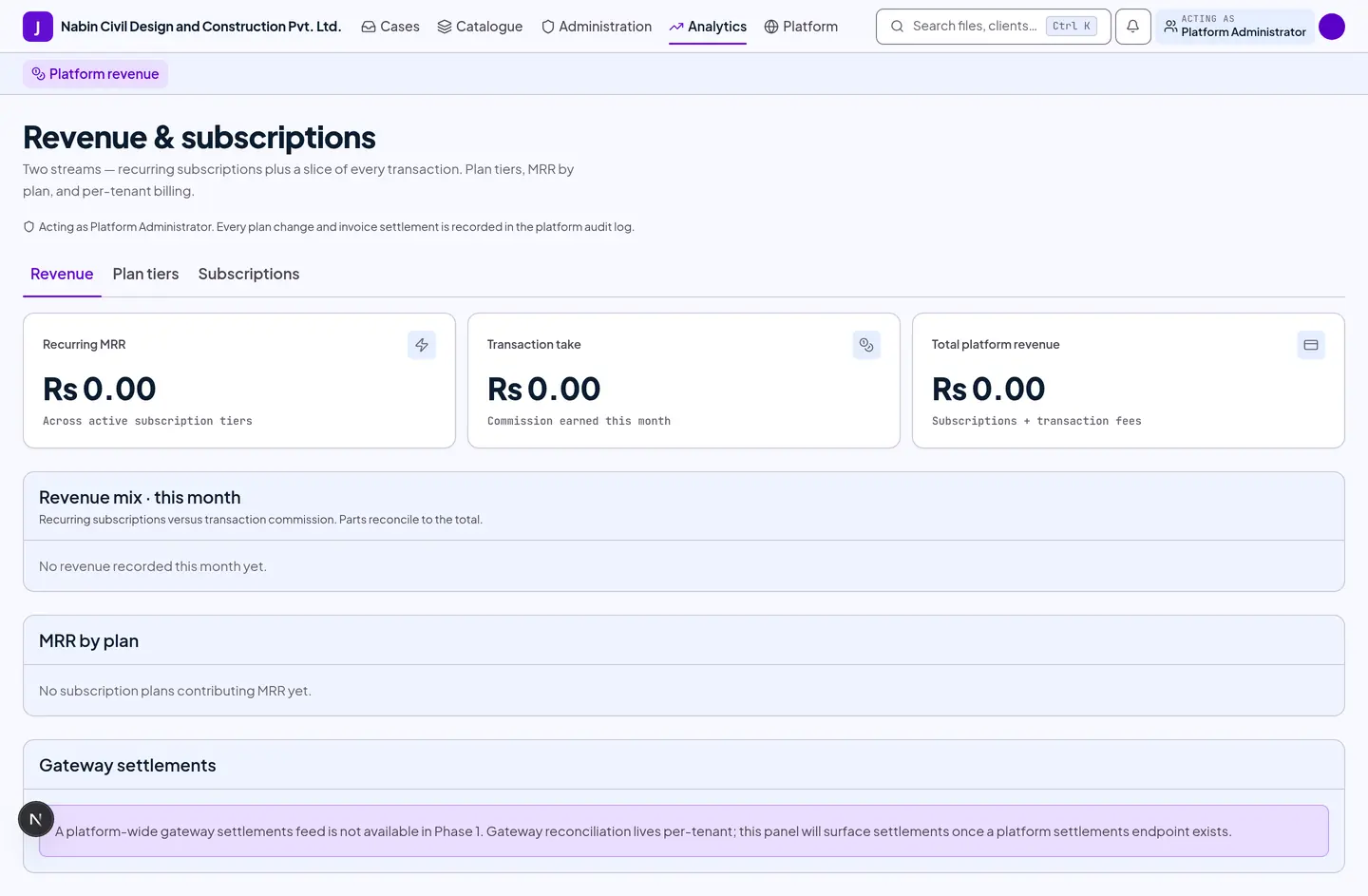
3. Revenue
Subscription income plus the take-rate on value processed, a multi-month trend, and gateway settlements. This is the same screen the Platform Finance role uses.
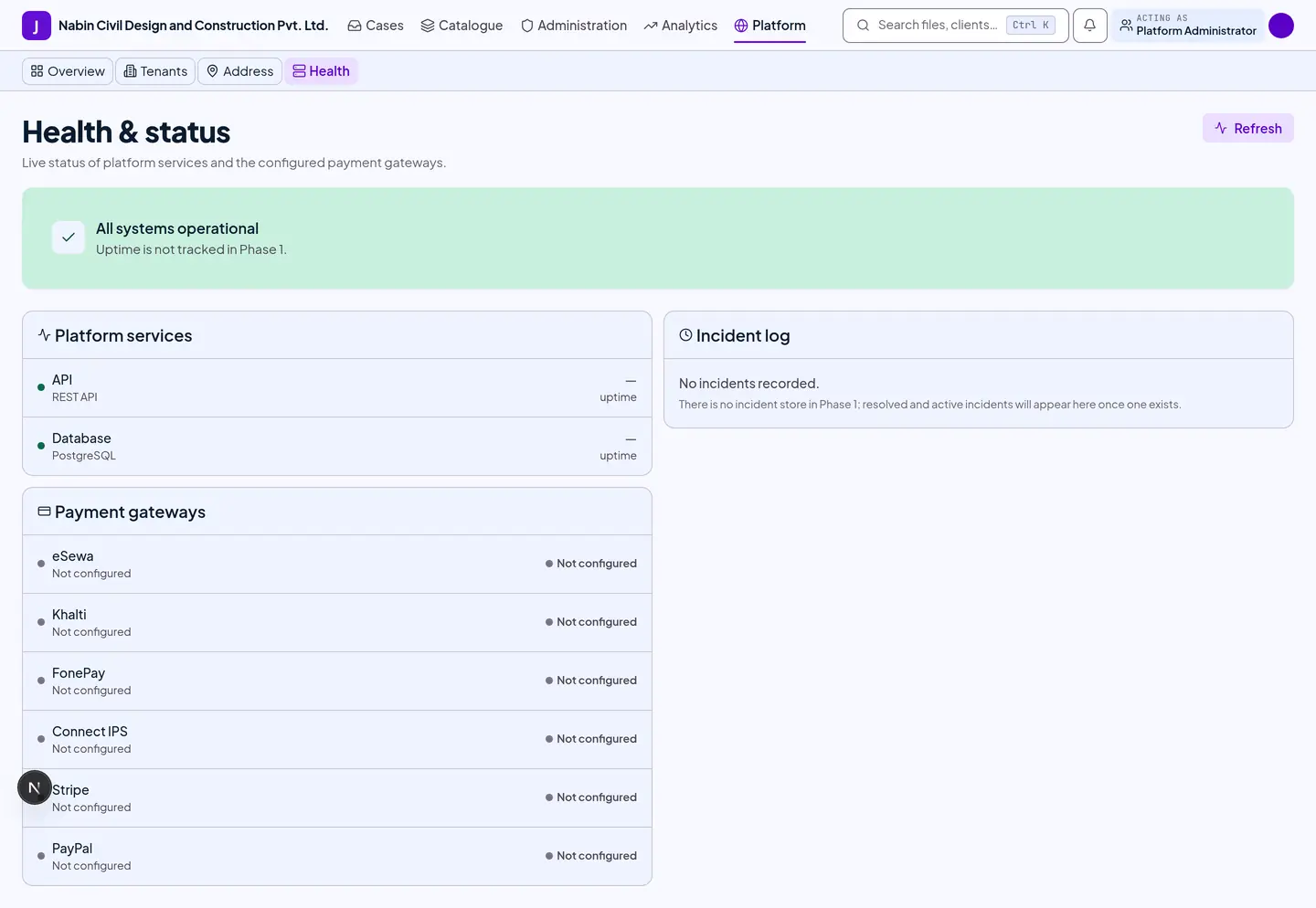
4. Health
Uptime, service status, payment-gateway status and the incident log.
Other platform screens
The console also holds screens without a walkthrough yet: the service catalogue and document types (authored by the Service Designer), address data, and the land rate books.
Tips and gotchas
- You operate the platform; you don’t read the files. Firm isolation is enforced on the server. You can see that a firm exists, its plan and its volumes — not the contents of their cases.
- Getting at file content takes two people and a clock. If support genuinely requires reading a firm’s content, it needs either a time-limited permission that firm grants, or an emergency permission that a second platform administrator approves. It is capped at a few hours, recorded row by row as it is used, and the firm’s administrator is told. There is no way to quietly look.
- Two revenue models. A firm can be billed by subscription, by commission on the value it processes, or both. You set this per firm.
- Platform finance can be separated. The Platform Finance role sees revenue and reconciliation but cannot onboard firms or change their configuration.
Last reviewed 2026-09-08.