Consultancy Admin
Who you are
You manage one consultancy office. You oversee every file in your consultancy, approve staff applications, configure local services, pricing and fees, manage the documents checklist and validity periods, and handle local exceptions and staff performance.
What you can do
- See all cases in your consultancy, across every Case Manager — not just your own.
- Oversee production and payments for your consultancy’s files.
- Approve staff, and configure local services, pricing and fees in the Administration console.
- View case prices — you are one of the roles trusted with money.
- Reassign a file within your consultancy, including to another Principal Engineer for signing.
What you can’t do
- You can’t reach other consultancies or firm-wide settings — that is the Tenant Admin.
- You can’t onboard the firm itself or change platform-level configuration.
- You can’t sign a report. Your fallback when a Principal Engineer is unavailable is to reassign the file to another engineer who holds a signing credential — never to sign it yourself.
Getting in
Sign in at /login. Your acting role — Consultancy Administrator — shows in the top-left.
Your screens, step by step
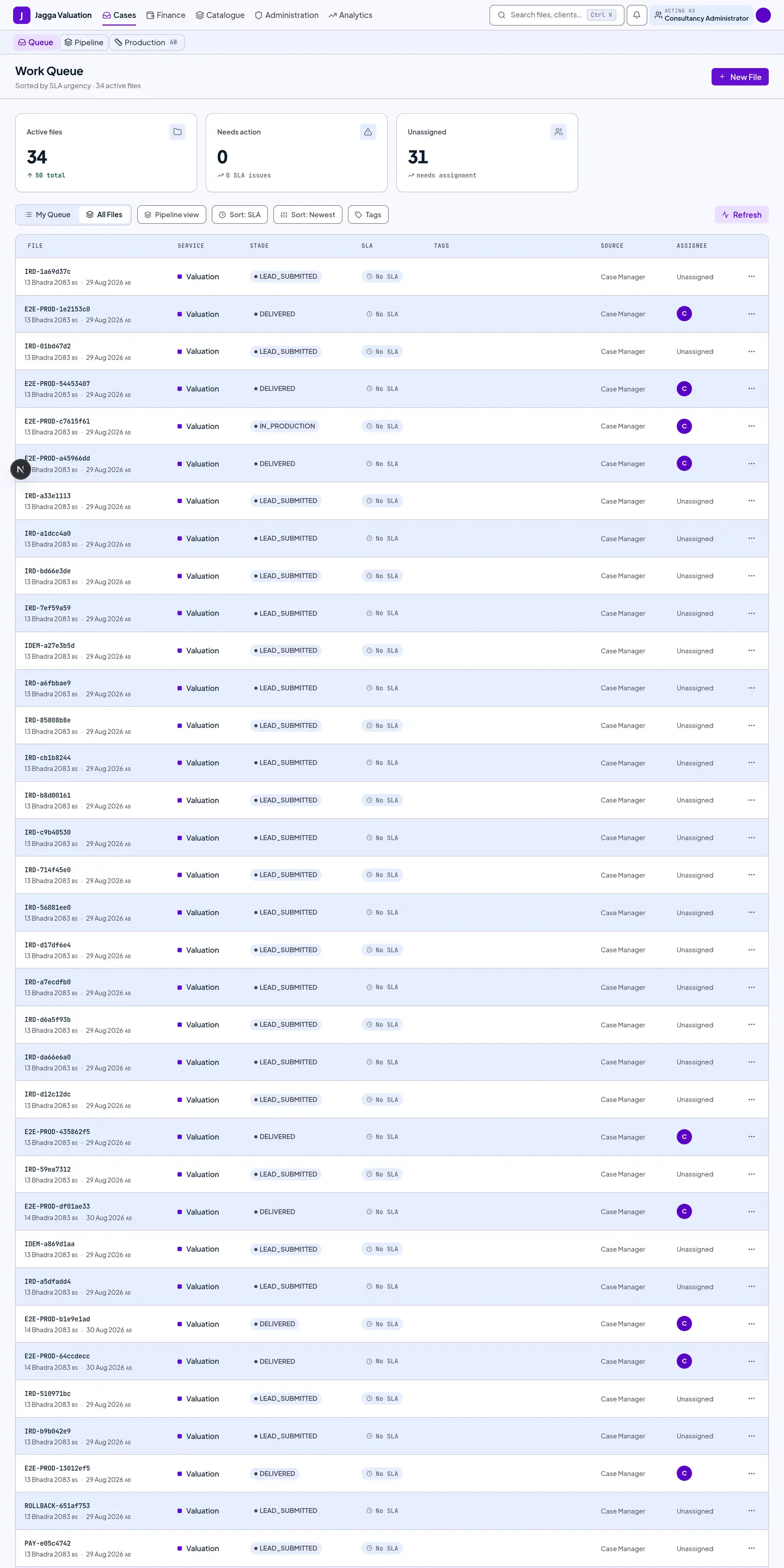
1. Work Queue — every file in your consultancy
Where a Case Manager sees their own files, you see all of your consultancy’s cases, so you can spot bottlenecks and step in.
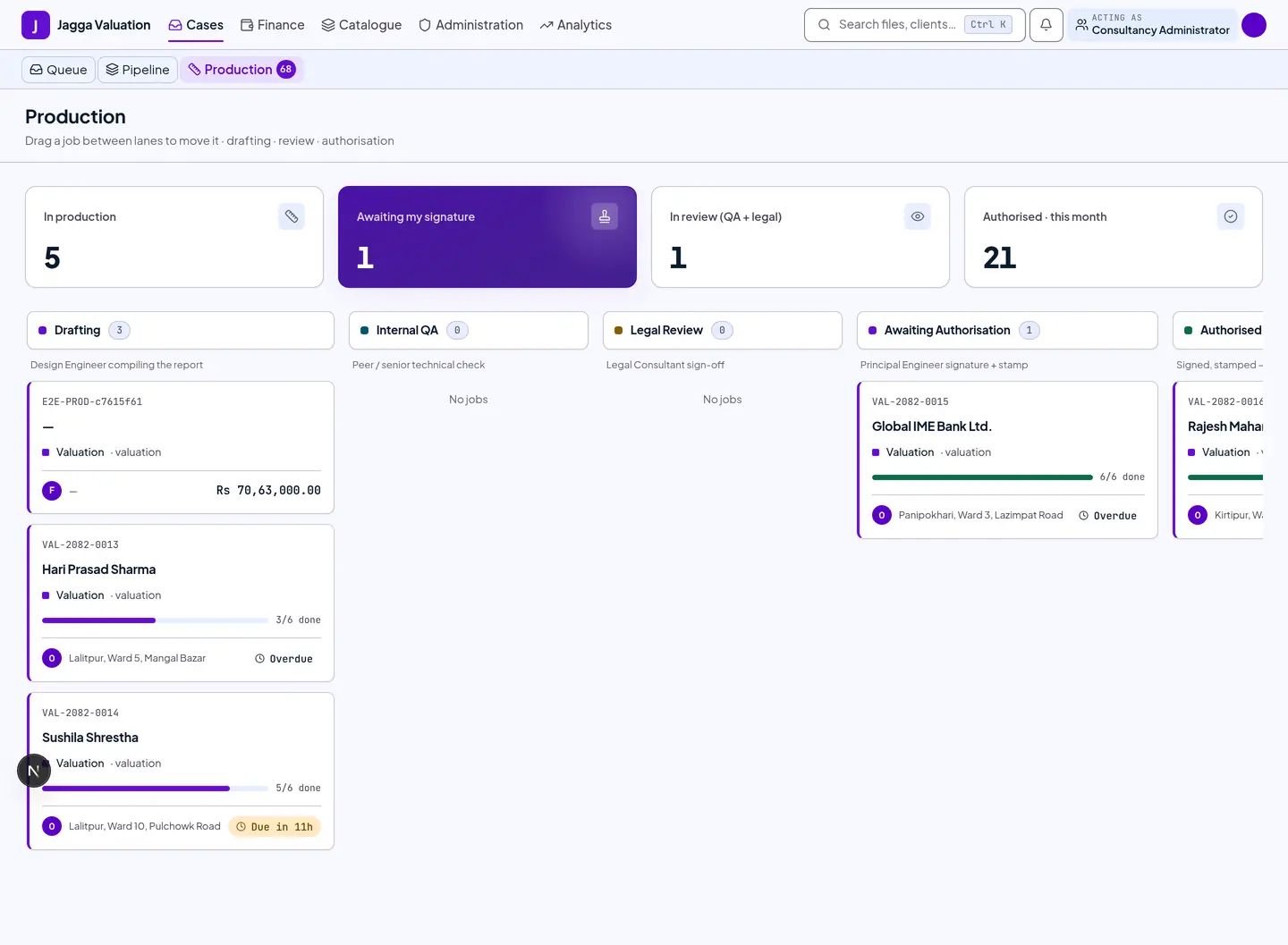
2. Production — work in progress
Your consultancy’s reports moving through drafting, authorisation and delivery.
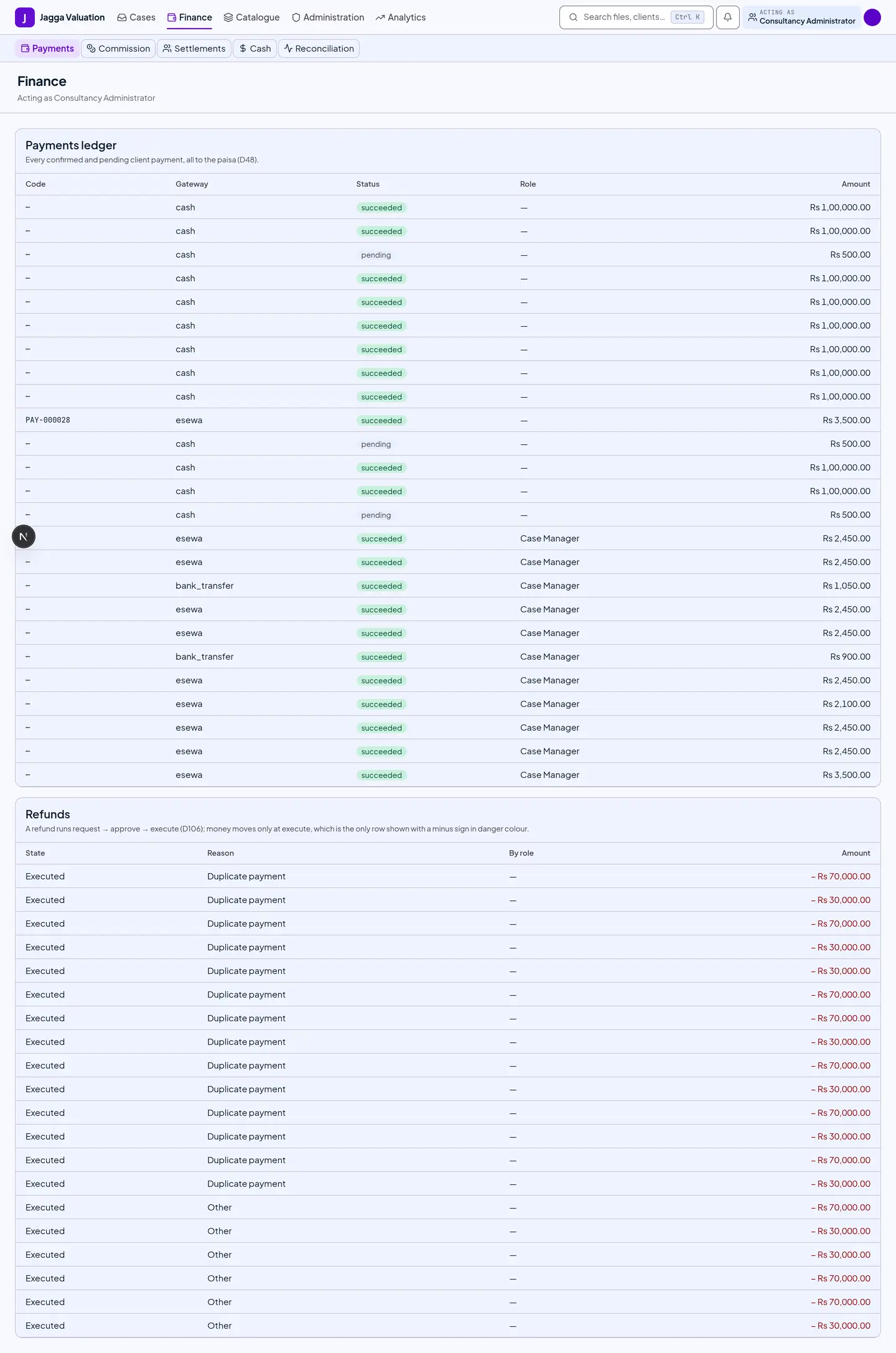
3. Payments — the money across your office
The financial picture for your consultancy’s files: what is paid, what is due.
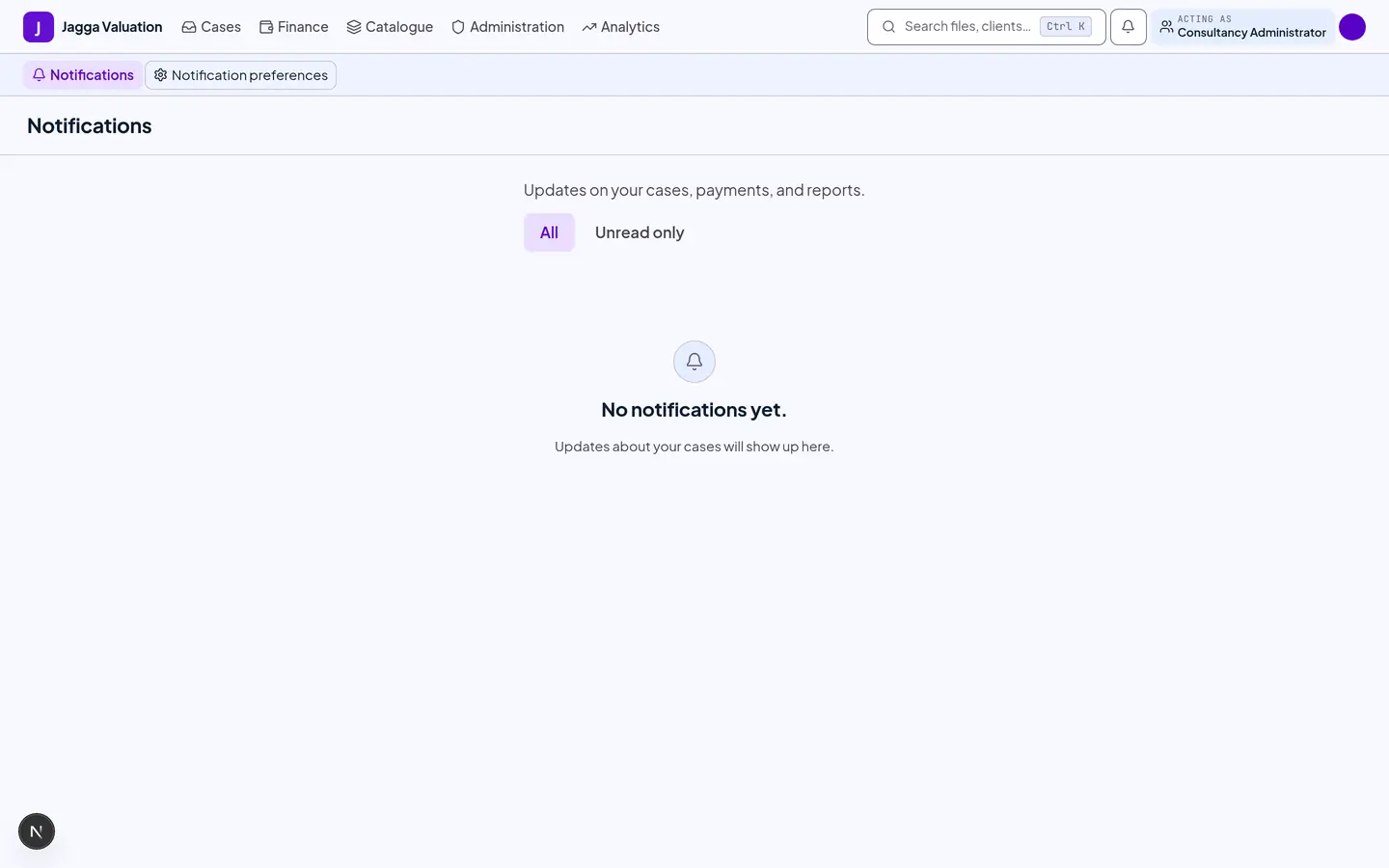
4. Notifications
Approvals, service-level warnings and exceptions across your consultancy.
5. Administration
The service catalogue, pricing, staff approvals, branding and the audit log live in the Administration console. These screens are shared with the Tenant Admin view — see the Tenant Admin manual for a screen-by-screen walkthrough. As a Consultancy Admin you work within the scope of your own consultancy.
Tips and gotchas
- You see money; your engineers don’t. You are trusted with case prices; the technical roles in your consultancy stay price-blind.
- Approving a quote below the floor. When a Case Manager builds a quote under the service’s price floor, it needs your approval before the client can accept it. The approver must be a different person from the Case Manager who quoted, even if one person holds both roles.
- Exceptions are yours to resolve. Escalations a Case Manager can’t handle locally come to you.
- Keep two signing engineers if you can. A consultancy with fewer than two engineers who can sign raises a standing configuration warning, because a single absence then stops every report.
Last reviewed 2026-09-08.