Design Engineer
Who you are
You are the technical author of the report. You produce the drawings, estimates, calculations, analysis and studies, and you draft the report’s technical content. You work in the Production Workspace and hand your draft to the Principal Engineer for review and signing.
What you can do
- See the cases assigned to you on the Production desk.
- Open a case’s drafting worksheet: enter land and building valuation inputs, run the calculation, and fill in the report sections.
- Submit your draft for authorisation once it is ready.
- Reply to the Principal Engineer’s review comments.
What you can’t do
- You can’t see the case price or any money. Quotation and invoice amounts are hidden from you by design — your job is the valuation figure, not the fee.
- You can’t message the client. All client communication goes through the Case Manager.
- You can’t authorise or sign the report. Only a Principal Engineer with an active signing credential can do that — and if yours is unavailable, the file is reassigned to another credentialed engineer. No administrator signs in an engineer’s place.
Getting in
Sign in at /login. Your acting role — Design Engineer — shows in the top-left.
Your screens, step by step
1. Production desk — your assigned jobs
The desk is a board of report jobs across lanes: Drafting, Awaiting Authorisation, Authorised. You see the jobs assigned to you, with section progress on each card.
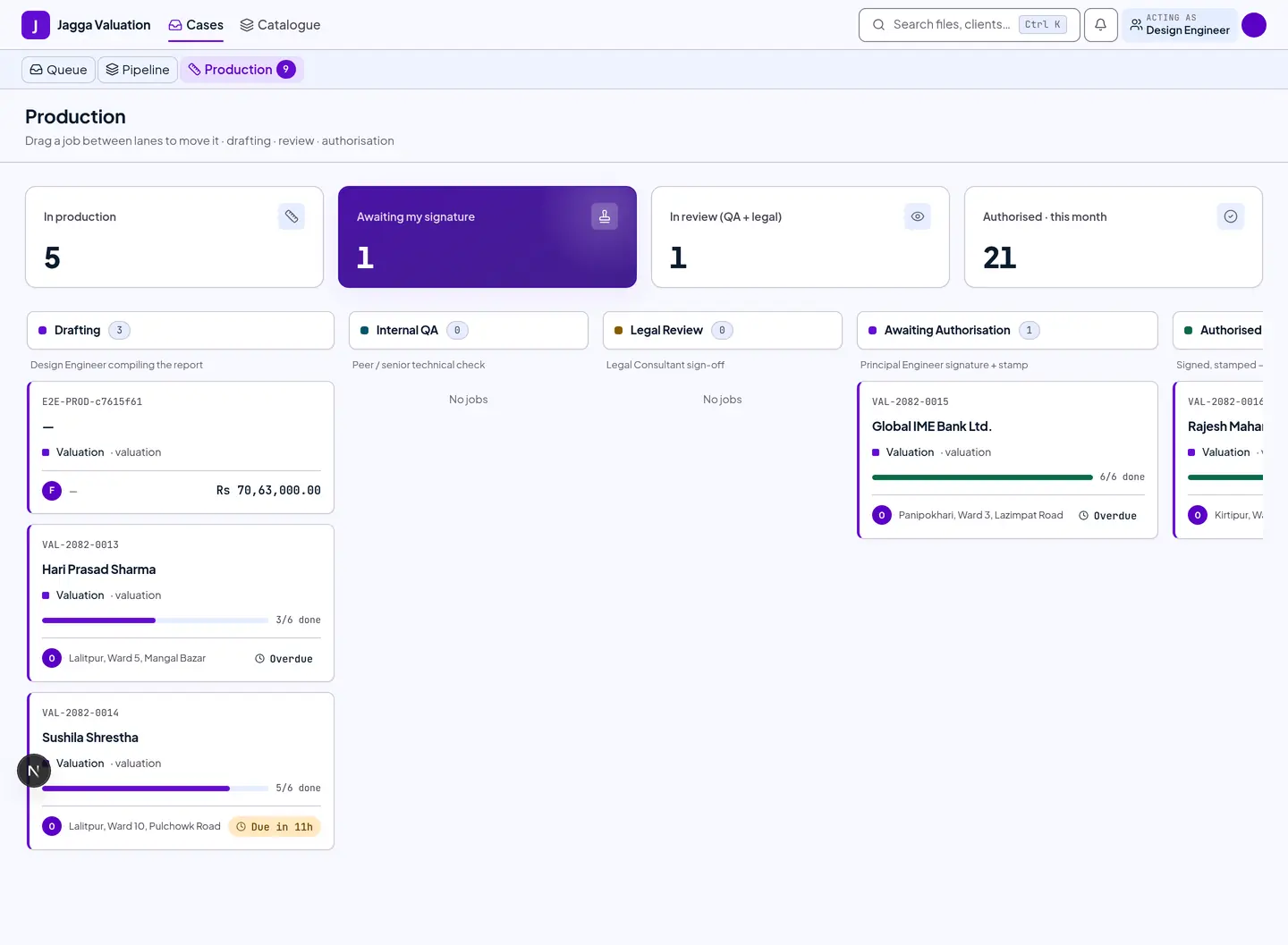
Click a job to open its drafting worksheet.
2. Drafting worksheet — build the report
This is where you do the valuation. The left side is the worksheet (your inputs); the right side is a live preview of the report, generated from the locked bank format.
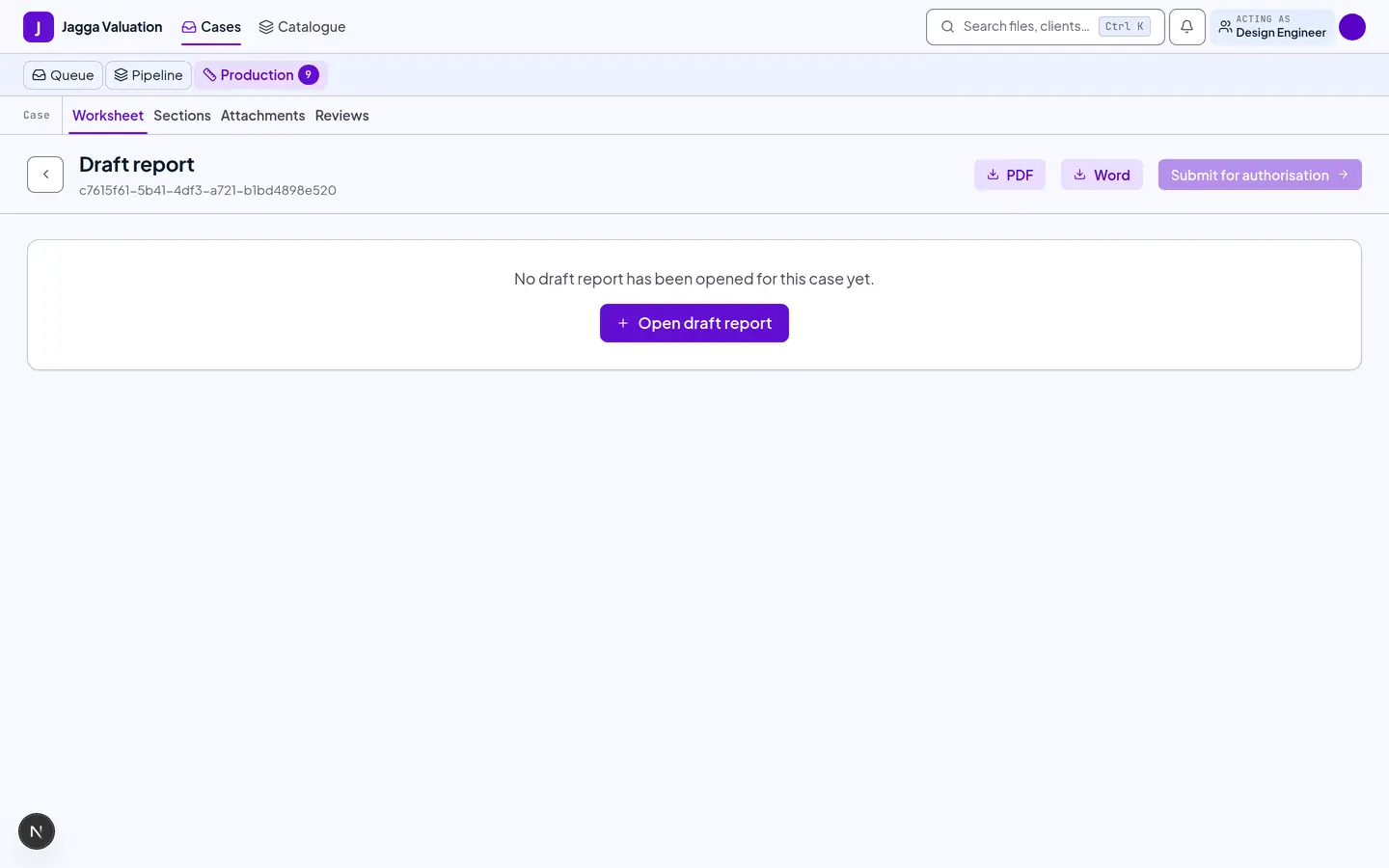
- The rail at the top — Survey, Draft, Review, Authorise, Deliver — shows where the file is.
- Enter land valuation inputs: government rate, market rate, the weighting between them, the adopted area, and the distress percentage. Then building valuation, and press Recalculate.
- The Sections tab tracks each report section as done, draft or to-do. Work through them until the report is complete.
- Use Attachments for photo evidence, and Reviews to see and answer the Principal Engineer’s comments.
- When the report is complete, press Submit for authorisation. This locks your edits and passes the file on.
3. What will stop you
The worksheet refuses some things outright, and it always says which:
- A building with no construction type, or no age to work from, blocks the calculation. It cannot be guessed.
- A triangle whose three sides cannot form a triangle is refused by name, rather than quietly producing a wrong area.
- If a market rate has been left sitting on the government figure as a fallback, you can keep drafting — but the file cannot be issued until someone asserts a real market rate.
Tips and gotchas
- The numbers come from the calculation engine, not free text. The land, building and total values are computed from your inputs, so changing the report format never changes a figure.
- Submitting is a one-way gate. Once you submit for authorisation you can no longer edit. Make sure the sections are complete first.
- No prices, ever. If you are looking for the fee or the quotation, you will not find it. That is intentional, not a bug.
Last reviewed 2026-09-08.