Finance
This manual covers the finance roles at every level — Consultancy Finance, Tenant Finance and Platform Finance. They share the same money tools, scoped to what each is allowed to see. Where a screen belongs to one level only, it says so.
Who you are
You manage money. You track earnings, payments, refunds and balances; you reconcile ledgers; you handle staff commission and surveyor settlements; and you produce financial reports. How much authority you have over money-moving actions — confirming a manual payment, processing a refund — is set per firm.
What you can do
- View payments, invoices and balances across your scope: your consultancy, the whole firm, or across firms for Platform Finance.
- Record and confirm manual payments, and process refunds, as far as your configured authority allows.
- Review commission breakdowns and surveyor settlements.
- Reconcile against gateway settlements and produce reports.
- Platform Finance additionally sees subscription revenue and the commission take across all firms.
What you can’t do
- You don’t configure services, pricing rules or branding — that is an Admin.
- You don’t onboard firms, and you don’t author reports.
Getting in
Sign in at /login. Your acting role — Tenant Finance — shows in the top-left.
Your screens, step by step
1. Payments — the ledger
Your ledger of what is paid and what is due, milestone by milestone, with the gateway and method for each payment.
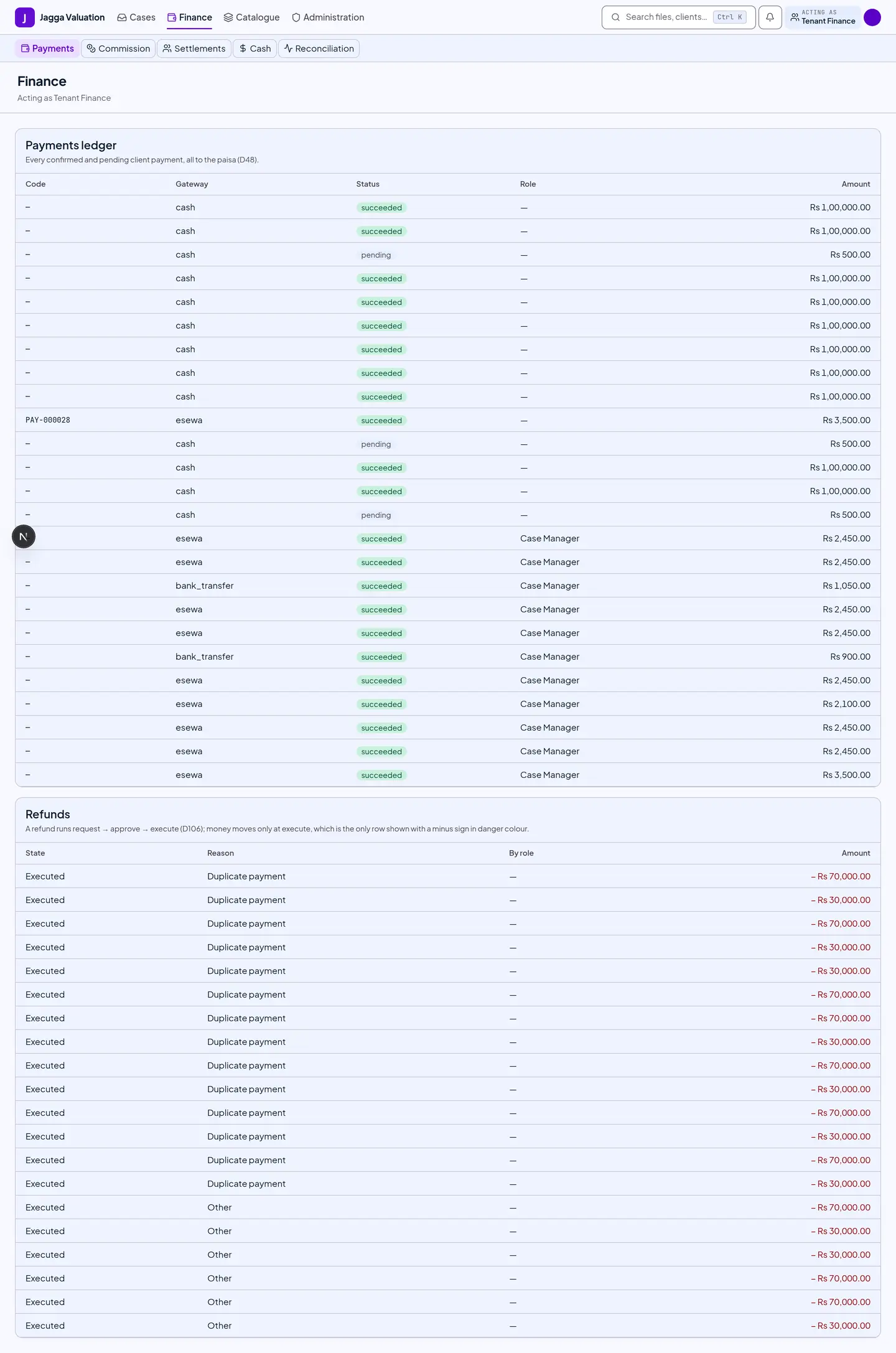
- Every amount is exact to the paisa. A split is computed as total minus the first part, so the parts always add back up to the total — a quotation can never fail to reconcile.
- Record or confirm a manual payment, or process a refund, where your authority allows.
When a milestone counts as settled
A milestone is settled once the things recorded against it add up to its amount. Those things include more than cash:
- cash, bank transfer and the online gateways;
- tax withheld at source, up to the firm’s share — you cannot withhold more than that;
- a write-off, which a finance role may record up to a small ceiling.
2. Commission
Gross, the platform fee, and the per-role commission slices, plus payouts.
- A refund creates a reversal slice rather than editing the original, so the ledger stays append-only and reconcilable.
- The surveyor’s share of a field-visit fee defaults to 80%. Finance screens may show the basis; the surveyor’s own screens show amounts and a running balance, never a rate.
3. Notifications
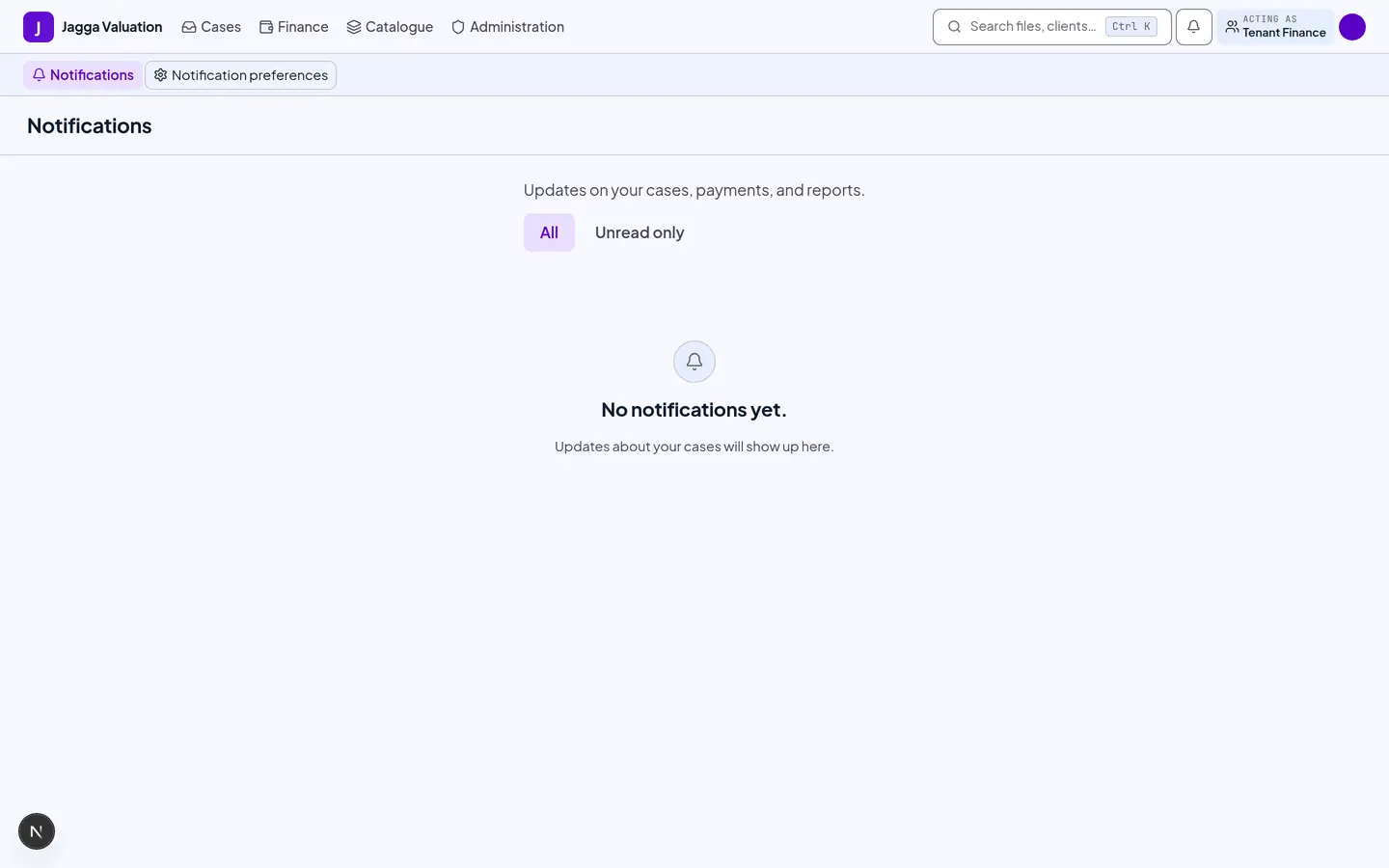
Payment receipts, refunds and reconciliation items surface here.
Platform Finance — revenue across firms
If you hold Platform Finance, you also see the platform-wide revenue console: subscription revenue plus the take-rate on the value flowing through the platform, with trends and gateway settlements. It is the same Revenue screen described in the Platform Admin manual.
Tips and gotchas
- Money is never a rounded-off decimal. Everything is held as a whole number of paisa, so amounts cannot drift by a fraction.
- Refunds reverse, never erase. A refund is recorded as a reversal entry. The original payment and its commission stay on the ledger.
- A refund needs a second person. Approval must come from a different user than the one who requested it, even where one person holds both roles.
- Cash is tracked end to end. On-site cash a surveyor or Case Manager collects is held, confirmed and banked through the system, not off the books.
- The report stays locked until the final milestone settles. There is a release override, but it needs two people and it is recorded — there is no silent unlock.
- Held entries count towards nothing. A money entry that arrives long after it was captured waits for someone to confirm it with a reason. Until then it is not in the component sum, not in cash on hand, and not in the settlement.
- Retrying is safe. A repeated payment action never double-records.
Last reviewed 2026-09-08.